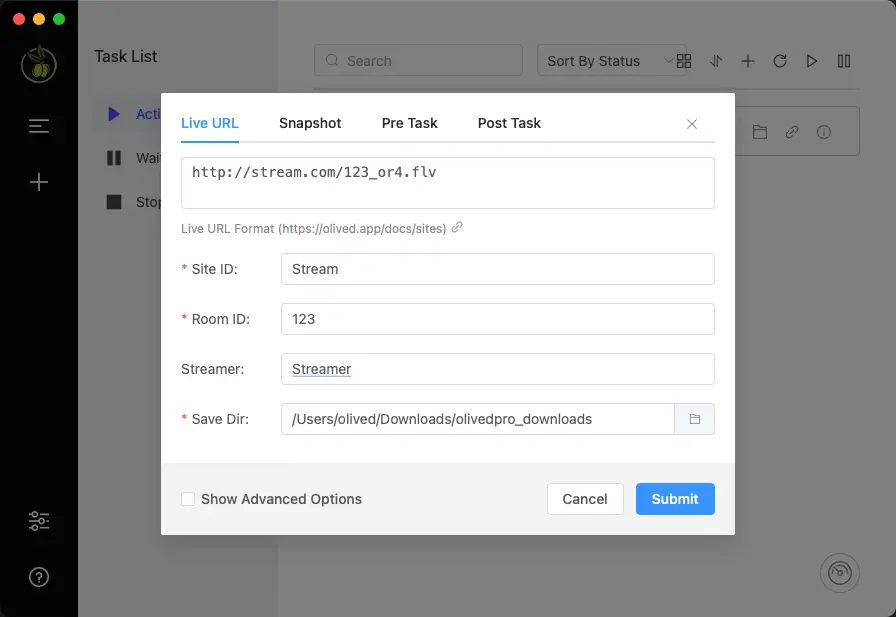
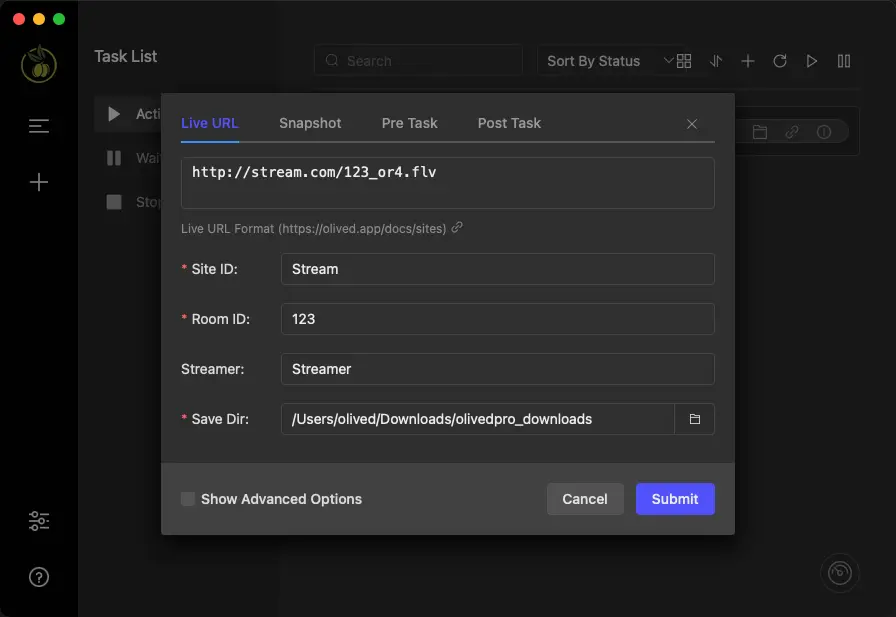
The Ultimate Stream Processing Station for Professionals.
An all-in-one media utility engineered for
high-performance protocol ingestion, automated stream processing, and advanced format transcoding.





Works with major video protocols and more
A Smarter Video Workflow
Olived delivers robust local stream processing and multi-format conversion power,
all packaged inside an incredibly intuitive interface.
Upgrade for Unlimited Stream Workflows
Monthly
No usage limits
- Subscription
- Unlock all features
- For 2 devices
- 1 month of updates
Quarterly
No usage limits
- Subscription
- Unlock all features
- For 2 devices
- 3 months of updates
Yearly
No usage limits
- Subscription
- Unlock all features
- For 2 devices
- 1 year of updates
Lifetime
Pay Once, Use Forever
- One-time payment
- Unlock all features
- For 2 devices
- Lifetime updates
Frequently Asked Questions
- Windows 10/11
- macOS 11.0+
This is a common macOS Gatekeeper notice for apps downloaded outside the App Store. To resolve it, you can run the following command in your Terminal app:
sudo xattr -r -d com.apple.quarantine /Applications/OlivedVip.appAfter entering the command, press Enter, type your Mac's password (it won't show as you type), and press Enter again. This should allow OlivedVip to open.
On the Account page, locate the License Key field, paste the license you received, and click Activate License Key.
Your license key will be sent to your email address immediately after a successful purchase. Please check your inbox.
To transfer your license, simply deactivate it on the previous device. You can then activate it on your new computer. For your settings and tasks, use the 'Export Config File' and 'Import Config File' feature for a seamless transition.
You only need to download the new version of the software and then delete the old version. All configurations will be preserved.
You can manage via the 'My Orders' page on Lemonsqueezy or Creem, depending on where you purchased.
- The free version supports recording one task. You can purchase after trying it out. This product is a virtual product and is not returnable after purchase.
- Yes! To use Apple Pay, simply visit our site on your iPhone or iPad. The option will appear automatically at checkout.
- Yes! When using a device that supports Google Pay, the option will appear automatically at checkout.
Add Olived to your arsenal.
The power you need, with the simplicity you'll love.
Olived makes advanced stream management truly effortless.
- Automated Stream Ingestion: Set your protocol rules once, and let Olived handle the rest hands-free.
- Concurrent Stream Processing: Concurrently process and archive multiple streams without bottlenecking.
- Lossless Stream Fidelity: Preserve original HD+ video bitrates and audio tracks during local archiving.
- Instant MP4 Transcoding: Automatically convert raw segments into universal MP4 formats for immediate post-production.
- Granular Stream Controls: Tailor codec configurations, buffer limits, and output segments to your exact engineering needs.
- Streamlined Operation: Initialize complex stream pipelines in seconds via our intuitive control panel.
- Robust Protocol Compatibility: Reliably ingests, parses, and converts Apple HLS, HTTP-FLV, and standard network streams.
- Advanced Link Resilience: Maintain stable sessions and error-recovery.